Early access · macOS

Make videos by
describing them.

OpenMontage Studio is a desktop studio where an AI agent takes your idea through script, scenes, narration, and render — and most of it runs locally, on your machine.

Local-first · no API keys required · your prompts and footage stay on your machine

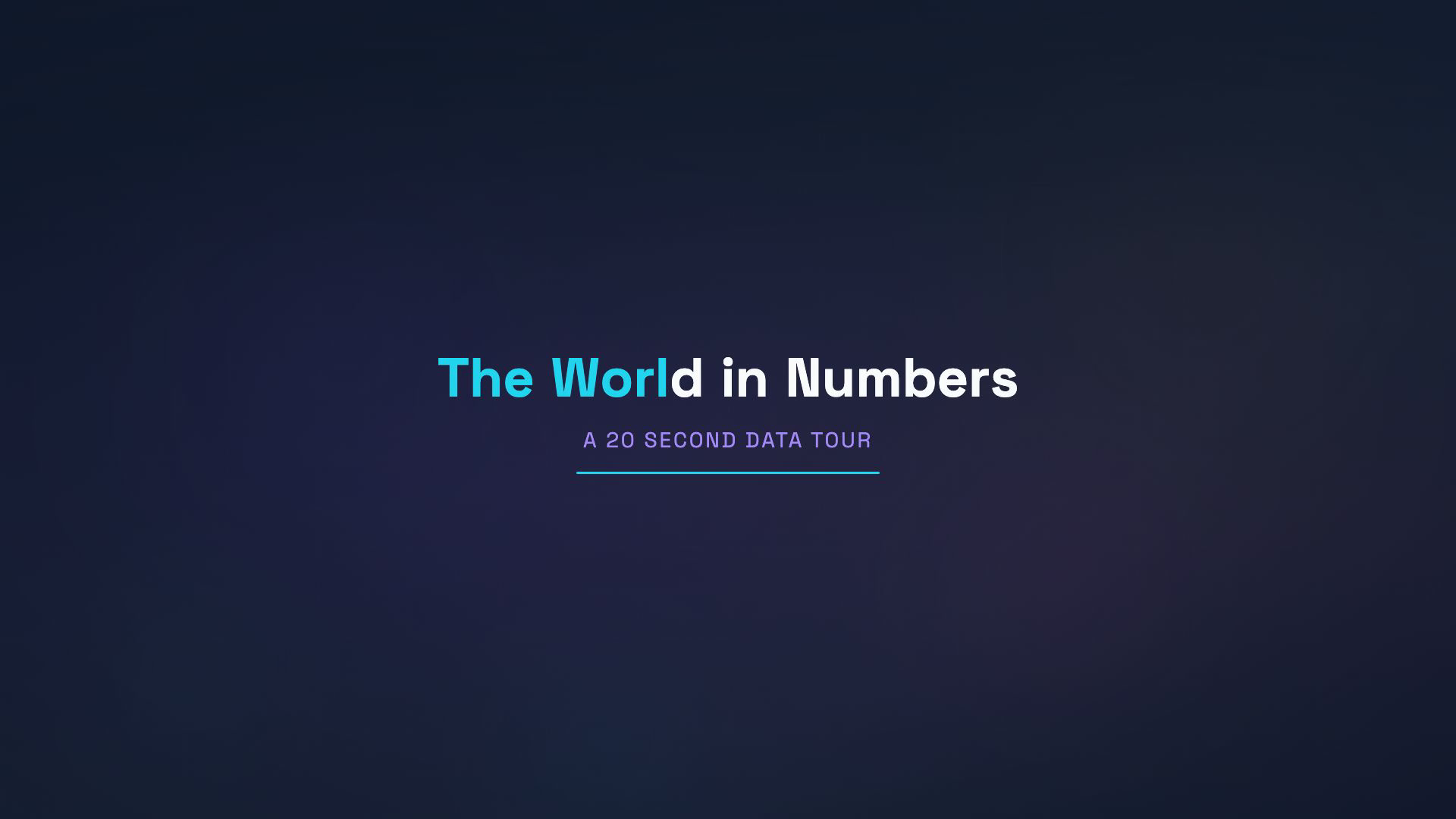
OpenMontage Studio — The World in Numbers
8.1B
People sharing one connected planet
scene_plan
ScenePopulation
Typestat_card
Timing3.5–7.5s
✓ Approve & continue
ideascriptscene_plan — assets — edit — compose
Why it's different

An agent that actually makes the video

Not a prompt box that returns a clip. A studio that walks your idea through a real production pipeline — and lets you steer at every step.

🧠

Agent-driven pipeline

Describe what you want; the agent drafts the plan stage by stage. You approve, revise, or redo — it never ships behind your back.

💻

Runs locally & offline

A local model (Ollama) plans, on-device speech narrates, and ffmpeg renders. Cloud providers are optional, never required.

🎬

Real renders, not slideshows

Scenes are composited with their narration into an actual MP4 — text, timing, and audio, produced on your machine.

🔌

Bring your own models

Local and cloud generators sit behind one interface. Online vs offline is just “which endpoint” — swap freely.

🎛️

Studio you can steer

Preview, a dual-layer timeline, an inspector, and an approval gate on every creative stage. You're always in control.

🔒

Private by design

Accounts with email verification, password reset, and one-click delete. You decide what's collected — and can opt out anytime.

How it works

Idea to finished clip, in six steps

Each stage produces one artifact that becomes the brief for the next. Creative stages pause for your approval; technical stages run through.

01 · idea

Write a brief

One line — “a 30s explainer on black holes.” The agent locks the hook, length, and tone.

02 · script

Tight spoken script

Written for the ear and budgeted to the runtime, so narration never overruns the cut.

03 · scene_plan

Timed visual scenes

A hook, a few beats, a close — varied scene types with on-screen text and timings.

04 · assets

Narration & visuals

On-device voiceover and scene visuals, generated locally first; cloud only when you ask.

05 · edit

Sequence & sync

Cuts aligned to narration, captions, and ducked music — decisions you can see and change.

06 · compose

Render the MP4

ffmpeg composites everything into a real 1080p video with audio. Press play.

Local & private

Your machine. Your data.

The default path needs no API keys and no internet: a local LLM, on-device text-to-speech, and ffmpeg. Go online when you want the best cloud models — the app is honest about exactly which provider runs each step.

  • Works fully offline for the core pipeline
  • Cloud providers are opt-in, never silent
  • Consent-based data collection, with one-click opt-out
  • Delete your account and data anytime
💻 Ollama · local LLM 🔊 on-device TTS 🎞️ ffmpeg render ☁️ cloud · optional 🔐 email-verified accounts 🛡️ rate-limited auth
Early access

Be among the first to make a video by talking to it

OpenMontage Studio is in active development. Tell us what you'd make, and we'll get you in.

Request early access